Create Synchronized Lyrics (.LRC) Files Online
This online LRC editor lets you synchronize lyrics to music by loading a song and tapping along. LRC is the standard format for timed karaoke lyrics. Each line of lyrics is paired with a timestamp, so media players can display the right words at the right time.
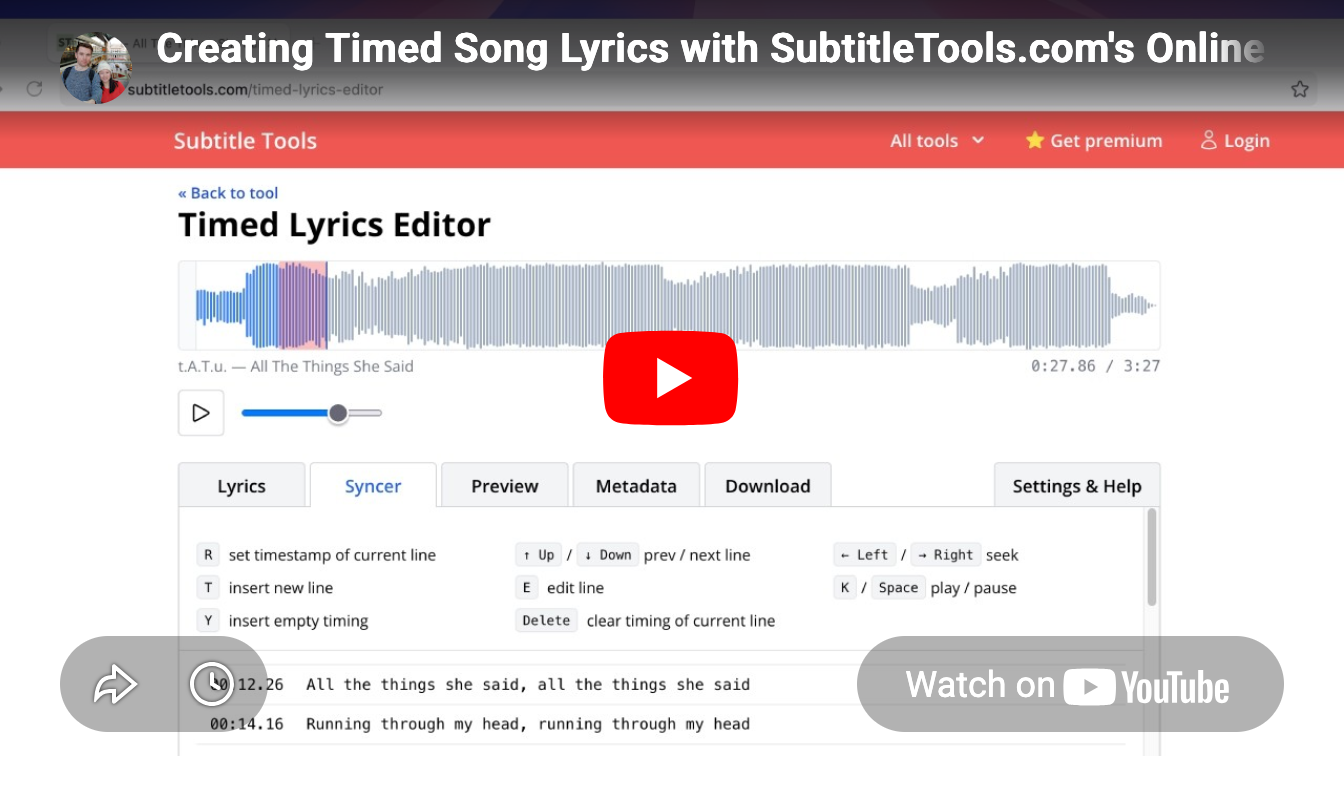
Paste or import your lyrics, switch to the Syncer tab, and press R as each line plays to set its timestamp. Use the arrow keys to seek through the audio, Space to play and pause, and the + / - keys to nudge individual timestamps by 100ms in the Preview tab. Every action has a keyboard shortcut, so you can time an entire song without touching the mouse.
The tool supports MP3, WAV, OGG, FLAC, M4A, and AAC audio files, and exports your synced lyrics as a standard lrc file.
Video walkthrough
Watch a full demo of the editor in action:
Automatically download lyrics
When you load a song, the tool can automatically search LRCLIB for existing synced lyrics. If synced lyrics are found, they're loaded directly, no manual timing needed. You can also load an existing lrc file alongside your MP3 to preview and edit it.
Edit Existing LRC Files
Already have an LRC file that needs work? Import it into the LRC editor to retime individual lines against the audio. You can also shift all timestamps forwards or backwards by a set amount, which is useful if your entire file is consistently off by a few seconds.
100% Browser-Based: Your Audio Files Stay Private
This tool is completely free, requires no signup or account, and all processing happens locally in your browser. Your audio file is never uploaded to a server, so your files stay completely private.
What is the LRC format?
LRC (LyRiCs) is a simple text-based format for synchronized song lyrics.
Each line starts with a timestamp in [mm:ss.xx] format, followed by the lyric text.
LRC uses line-level timing, meaning each timestamp marks when a full line of lyrics begins.
Each line stays on screen until the next timestamp is reached.